Billing & payments
Set an agreed fee when a client is taken on and the invoice raises itself — with VAT charged (or not) at your firm’s rate. Clients pay by card or by bank transfer with receipt verification, and every penny is tagged office or client money.
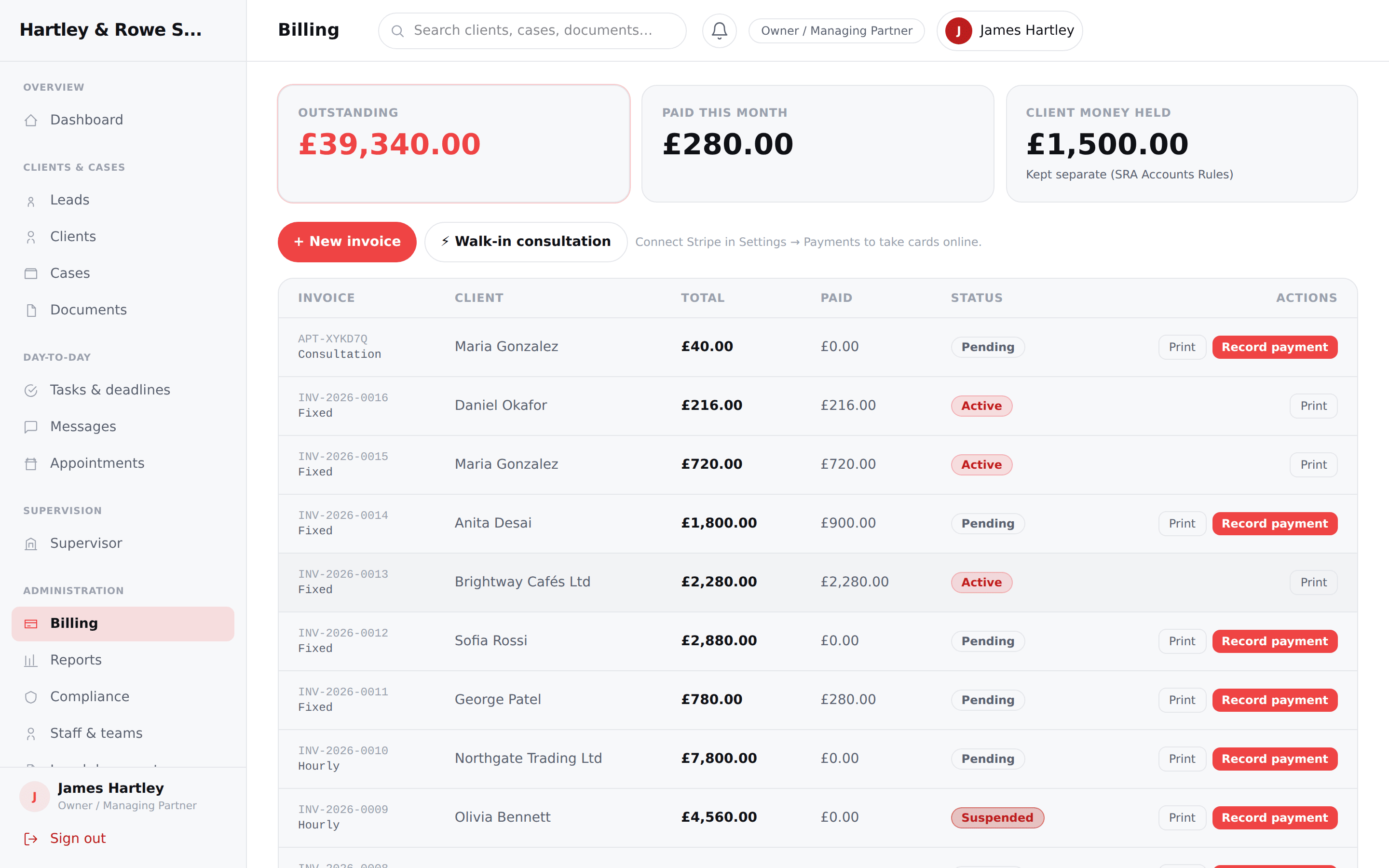
Fee → invoice
Set a fixed fee with a with/without-VAT choice and the invoice lands on the client’s billing automatically.
Clients pay online
Card checkout when a gateway is connected — or bank transfer with receipt upload and a staff verification queue.
Office vs client money
Every payment is tagged so the distinction is never lost.
Credit notes & refunds
Issue credit notes with automatic VAT reversal; refunds with approval; overpayment blocked by design.
Built for how firms actually work.
- ✓ Invoice types: fixed, hourly, consultation, disbursement, final bill — with printable PDFs
- ✓ Invoice states: draft, issued, sent, part-paid, paid, overdue, cancelled, refunded, written-off
- ✓ Manual payments: cash, bank transfer, card terminal, cheque — capped at the outstanding balance
- ✓ Bank-transfer verification: the invoice is only marked paid once staff confirm the money arrived
- ✓ Remove a wrong invoice safely — paid invoices must be refunded first
Why it matters
Fee to invoice automatically, clients pay online or by verified bank transfer — office vs client money kept separate.
Every action here is permission-controlled and captured in the append-only audit log — so the firm is protected and the client is reassured.
Explore more of the platform
See Fitzentic run your firm.
Book a 30-minute walkthrough, or start a free trial and explore it yourself.